
Ask for a stronger draft, then edit every word
Tighten a bullet, match a job post, or rewrite a summary. Every suggestion lands on the real document.
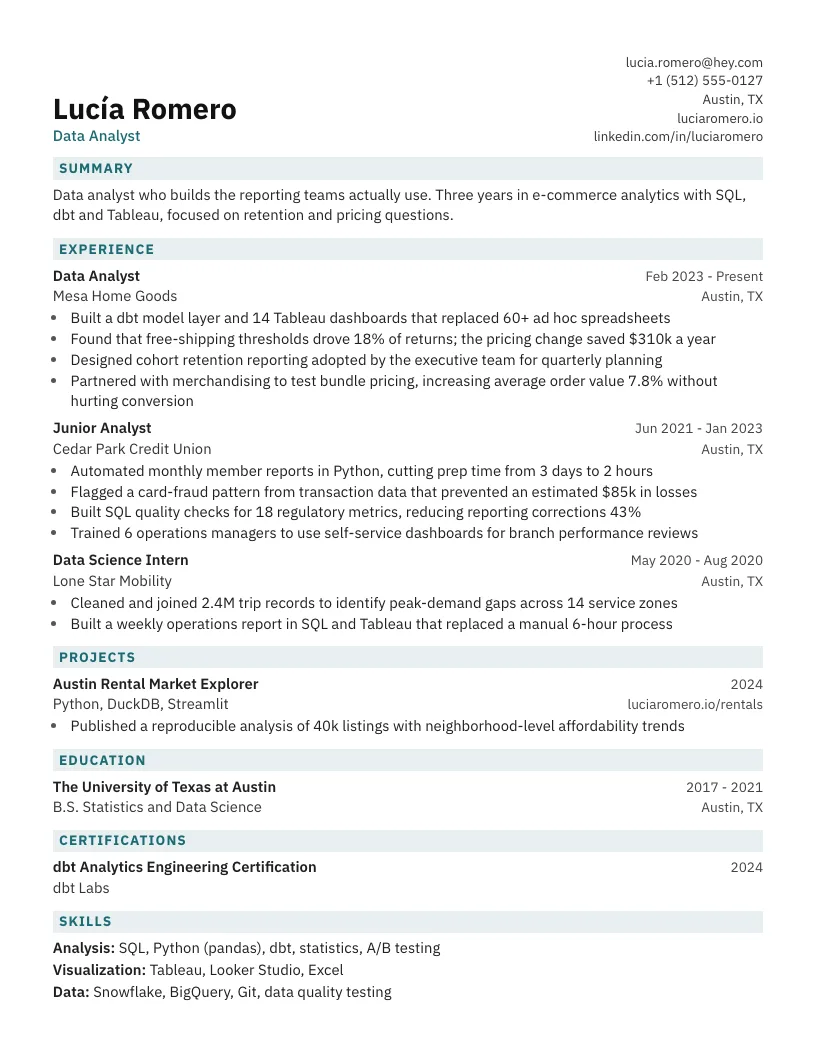
An AI resume builder that helps you create, improve, and tailor every application, then export a clean ATS-friendly PDF. Free to start.
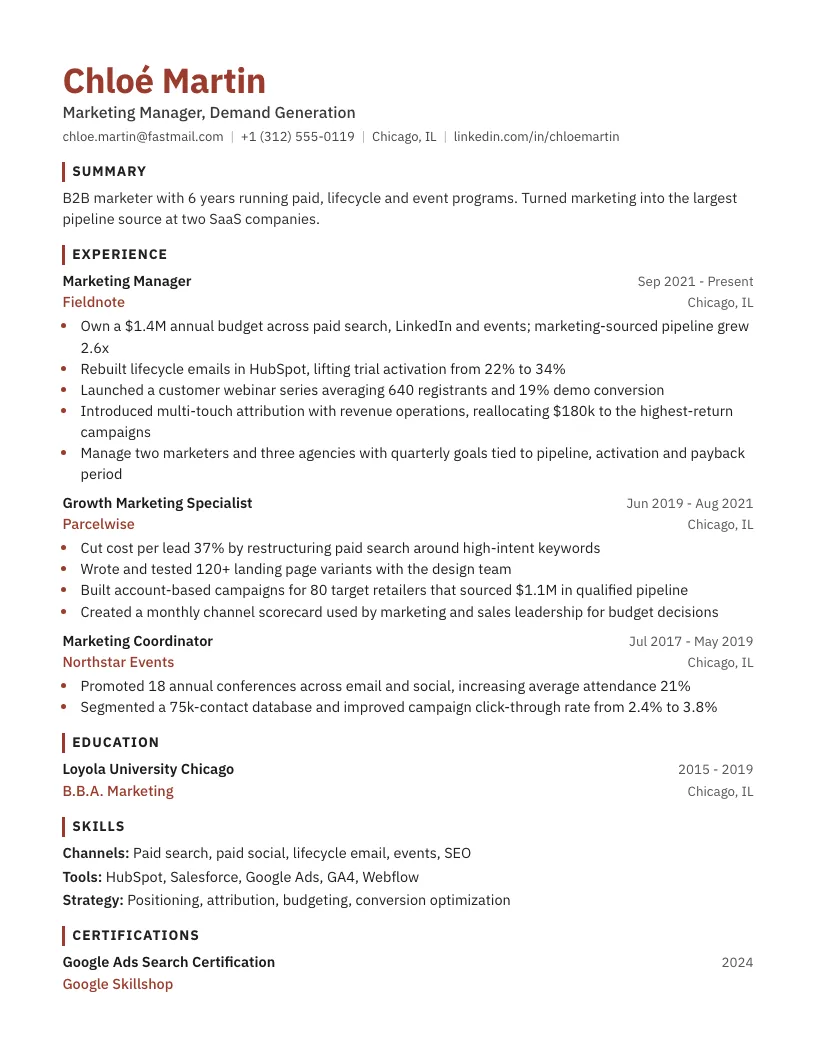
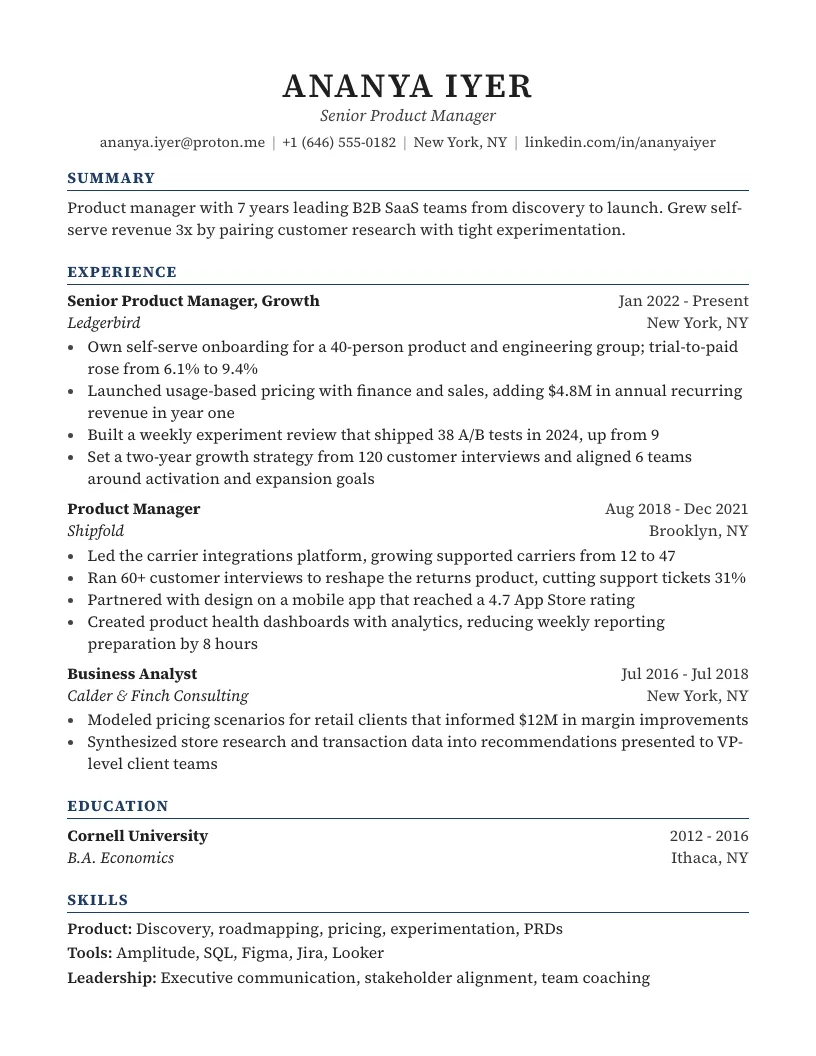
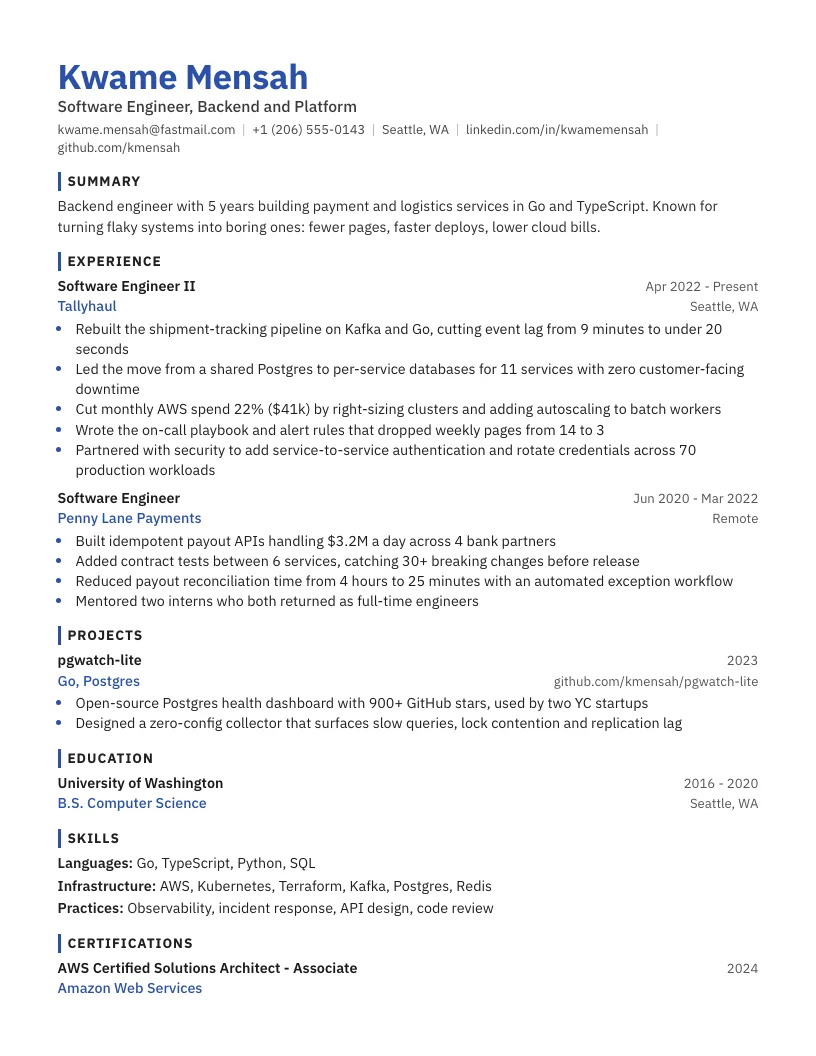
Choose a clear layout, add your experience, and change every detail without fighting the format.
Work directly on the page. Ask for stronger language, keep your voice, and see the final document as you go.
Tighten a bullet, match a job post, or rewrite a summary. Every suggestion lands on the real document.
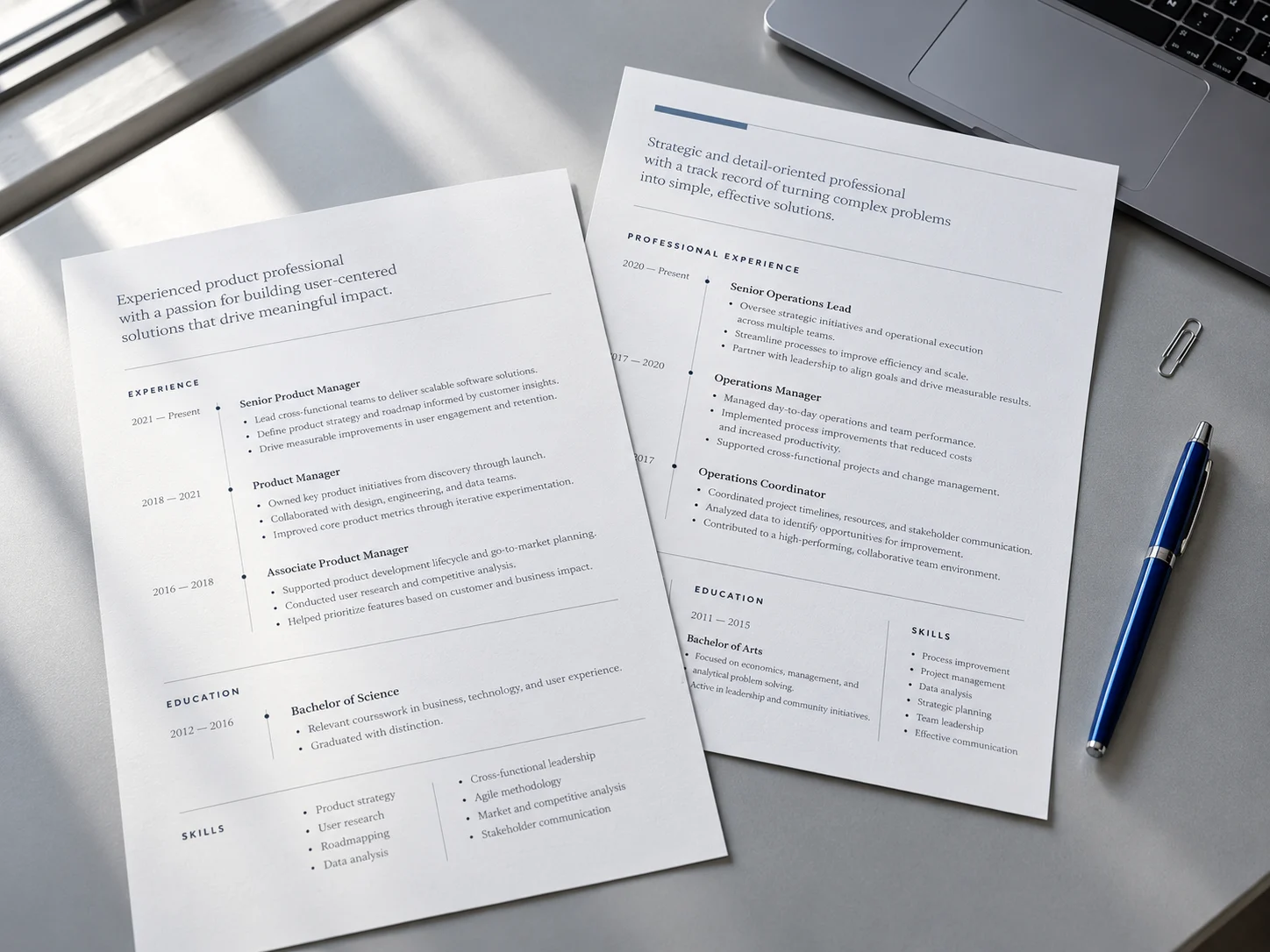
Clear hierarchy brings your strongest experience forward on screen, in print, and inside an ATS.
Bring in the job post and focus your resume on the experience this employer needs.
Import a PDF, Word file, or pasted text and keep moving.
Review changes with confidence. Undo works just like it does in any document editor.
Keep your attention on the role. The structure, spacing, and final export stay out of your way.

Choose a template or import your current resume. Your content lands in a real, editable page.
Use the job description to focus your summary, experience, and keywords on what this role needs.
Export a polished PDF with selectable text and a reading order built for applicant tracking systems.
What to expect from your first draft through the final download.
No. You can create and edit a resume without an account. Google sign-in is needed only when you use the AI assistant or download your PDF, and it keeps your resumes in one workspace across devices.
Yes. Templates use real text, standard section headings, and a clear reading order that applicant tracking systems can parse reliably.
Yes. Import a PDF, Word file, or pasted text, then switch templates and keep editing from there.
Ask for a specific change in plain language. The assistant updates the real document, and every change can be reviewed or undone.
Yes. The exported PDF matches the page you see and keeps the text selectable for recruiters and applicant tracking systems.
Start with a clear template, keep your strongest experience, and tailor the details for the role.
Build my resume